



E-Invoicing in Saudi Arabia 2026: How to Automate Invoice Notifications with SMS, WhatsApp, and Email API
When an ERP or accounting system generates an electronic invoice, an important part of the financial process is complete.
But for the customer journey, several steps may still remain.
How does the customer know that the invoice is ready?
How do they access it?
What happens when the due date approaches?
Can the system automatically send a payment reminder?
And can communication delivery status be recorded back inside the ERP or CRM?
This is where invoice notification automation becomes relevant.
Where Does Saudi E-Invoicing Stand in 2026?
Saudi Arabia continues to implement Phase Two of e-invoicing, known as the Integration Phase.
On July 24, 2026, the Zakat, Tax and Customs Authority announced the criteria for Wave 25. It includes taxpayers whose VAT-subject revenues exceeded SAR 187,500 during 2022, 2023, 2024, or 2025.
ZATCA stated that targeted taxpayers will be notified to integrate their e-invoicing solutions with the Fatoora Platform by no later than February 1, 2027.
Phase Two introduces additional technical requirements, including integration between qualifying taxpayers’ e-invoicing systems and ZATCA’s systems and generating invoices according to specified formats and requirements.
But what happens on the customer communication side after the appropriate invoicing process has been completed?
Invoice Compliance and Customer Notifications Are Different Layers
A critical distinction must be made.
Electronic invoicing compliance and customer communication are not the same process.
ZATCA’s detailed guidance explains that Tax Invoices follow a clearance model. Under that model, a Tax Invoice is submitted for clearance before it is shared with the buyer. Simplified Tax Invoices operate under a reporting model, subject to the applicable requirements.
An SMS, WhatsApp message, or email therefore does not replace the required e-invoicing process.
Instead, these channels form a customer communication layer that can be triggered once the relevant invoice workflow reaches the appropriate status.
How Does Invoice Notification Automation Work?
A simplified workflow might look like this:
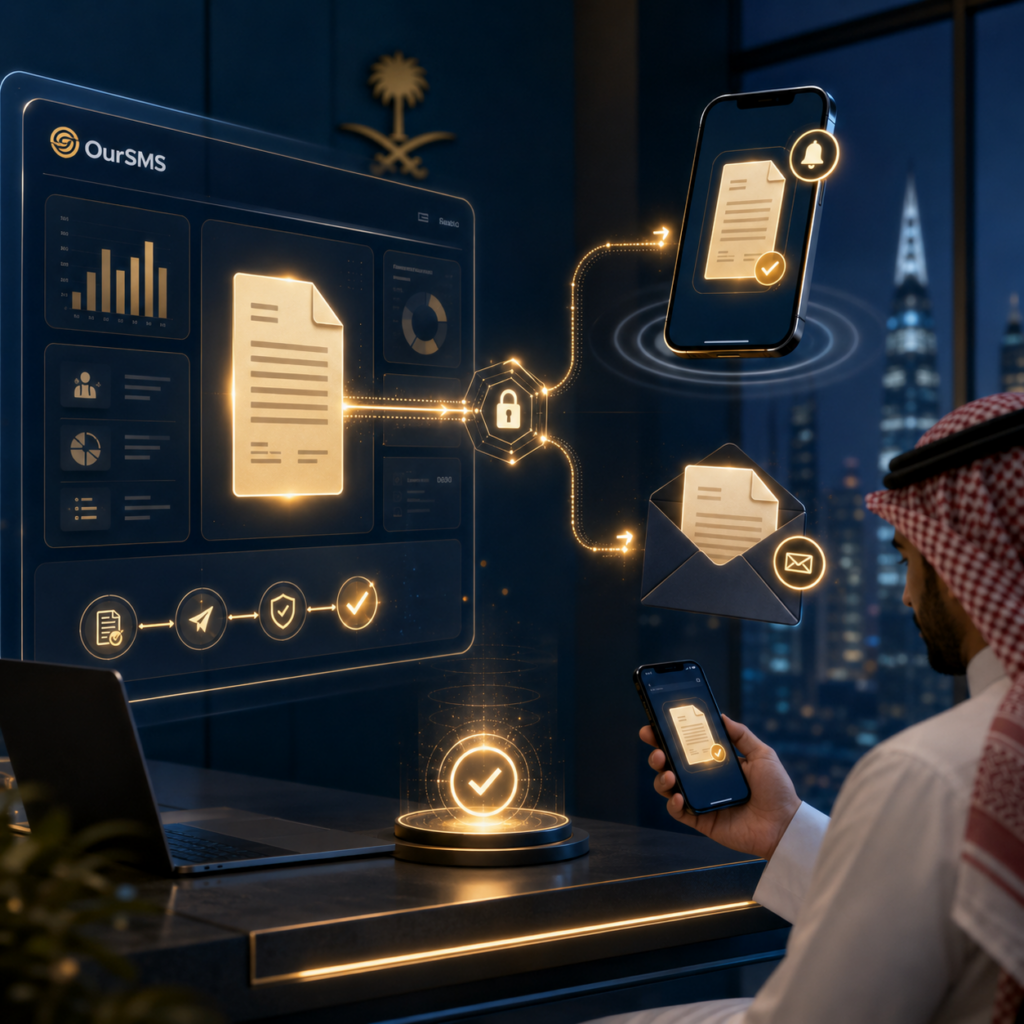
ERP / Billing System → Invoice Processing → Invoice Status Event → API → Messaging Platform → Customer
Instead of an employee copying the customer’s phone number and sending a notification manually, the billing system can trigger communication automatically.
For example:
Invoice Ready → Notify the customer.
Payment Due Soon → Send a reminder.
Payment Received → Send confirmation.
Payment Overdue → Start the company’s approved reminder workflow.
Communication becomes part of the financial workflow rather than a separate manual task.
When Should You Use SMS?
SMS works well for short and time-sensitive updates.
A company could use it to tell a customer that an invoice is available, remind them that the due date is approaching, or confirm that a payment has been registered.
SMS also does not require the recipient to install a messaging application or have a mobile data connection at the moment the notification arrives.
SMS notifications can be triggered programmatically through an API based on system events.
A simple example might be:
“Invoice #45872 is now available. Please sign in to your account to review it.”
Sensitive financial information should generally be minimized in the notification itself.
When Should You Use WhatsApp Business API?
WhatsApp can be useful when the communication requires a richer experience or a customer interaction.
Approved transactional or utility messaging workflows can support communication associated with an active invoice, payment, or account interaction, subject to WhatsApp’s current template, consent, and messaging requirements.
Invoice delivery, payment reminders, and payment updates are recognized transactional use cases across WhatsApp business messaging implementations.
For example, a company may notify the customer that an invoice is available and provide a secure route to view it.
The communication should remain tied to the transaction rather than turning an invoice notification into an unrelated promotional message.
When Is Email API the Better Choice?
Email is particularly useful when the customer needs more detail, a document, or a communication record that is easy to reference later.
OurSMS Email API supports transactional emails including invoices, confirmations, and notifications through REST API-based automation, along with delivery tracking capabilities.
A multi-channel workflow might therefore use:
Email for invoice details or secure access to the document.
SMS for a short real-time notification.
WhatsApp for an appropriate transaction-related update or reminder.
The objective is not to send the same message three times.
It is to use each channel where it adds value.
Example: Connecting an ERP to Invoice Notifications
Imagine a company using an ERP to manage sales, invoices, and payments.
When an invoice reaches a predefined Ready or Approved status, the ERP generates an event or API request.
The communication layer can receive information such as:
customer identifier,
preferred language,
invoice status,
due date,
customer type,
and preferred communication channel.
Business rules can then determine what happens next.
For example:
Invoice issued → Email.
Immediate invoice alert → SMS.
Upcoming due date → WhatsApp or SMS.
Payment received → Confirmation message.
Delivery events can then be returned through webhooks or other integration mechanisms and recorded within the relevant business system.
OurSMS developer resources support API and webhook-based messaging integrations, while its company profile describes integration capabilities with ERP, CRM, e-commerce, and internal systems.
Benefits of Invoice Notification Automation
The first benefit is reduced manual work.
Accounting teams do not need to send every notification separately.
The second is speed.
A message can be triggered as soon as a relevant invoice status changes.
The third is consistency.
Approved templates can be created for each communication scenario.
The fourth is visibility.
When messaging is integrated with business systems, delivery results can be used as part of operational monitoring.
Most importantly, customers get a clearer journey: they know when an invoice is available, when it is due, and when their payment has been recorded.
Best Practices
First, define which events actually require customer communication.
Do not send a message for every minor internal status change.
Keep the compliant invoice process separate from the notification process.
Use secure access methods for invoice documents, particularly when they contain sensitive information.
Include only the minimum necessary transaction information in SMS or messaging notifications.
Follow the consent, template, and messaging rules applicable to each communication channel.
Finally, consider a fallback channel for high-priority notifications where appropriate.
Common Mistakes
One of the most important mistakes to avoid is assuming that emailing a PDF or sending it through a messaging platform automatically satisfies e-invoicing requirements.
Compliance and customer communication are separate layers.
Other common issues include sending invoices to outdated contact information, continuing reminders after payment has already been registered, using unclear or suspicious links, failing to monitor delivery failures, and allowing multiple systems to operate with inconsistent invoice status data.
Good automation depends on one principle:
every communication channel should act on trusted, synchronized business data.
How Can OurSMS Help?
OurSMS provides business communication APIs including SMS API, WhatsApp Business API, and Email API, along with developer resources for integrating communication into applications and business workflows.
The OurSMS Email API supports automated transactional messages, including invoice-related emails, while the developer platform provides REST API and webhook-based integration capabilities.
The OurSMS company profile also describes API and SMPP integration with CRM systems, ERP platforms, e-commerce systems, and internal applications.
Conclusion
An e-invoicing project does not have to end when someone clicks “Generate Invoice.”
From the customer’s perspective, the journey continues.
They need to know that the invoice is ready, access it securely, receive a reminder when appropriate, and know when their payment has been recorded.
SMS, WhatsApp Business API, and Email API can form a communication layer connected directly to the ERP or billing system.
For businesses in 2026, the better question is therefore not simply:
“How do we send an invoice?”
It is:
“How do we automate the complete customer journey from invoice readiness to payment confirmation?”