




Welcome to the Help Center
How to Activate SMS Services in Salla
Activate messages in Salla
You can integrate your Salla store with OurSMS to automatically send SMS notifications to customers, including order confirmations, shipping updates, alerts, and verification messages.
Step 1: Activate a Sender ID
Before using the SMS service, you must activate a Sender ID for your store.
Download the Sender ID Authorization Form
Download and complete the Sender ID activation form:
Important Notes
If you are a company or organization, you must:
- Provide a valid copy of your Commercial Registration (CR).
- Have the authorization letter certified by the Chamber of Commerce.
- Ensure that the Sender ID is clearly related to your company name or registered trademark.
After preparing the required documents, please complete the Sender ID request form using the following link:
Your request will be reviewed and submitted to the relevant authorities, and you will be notified once the activation process is completed.
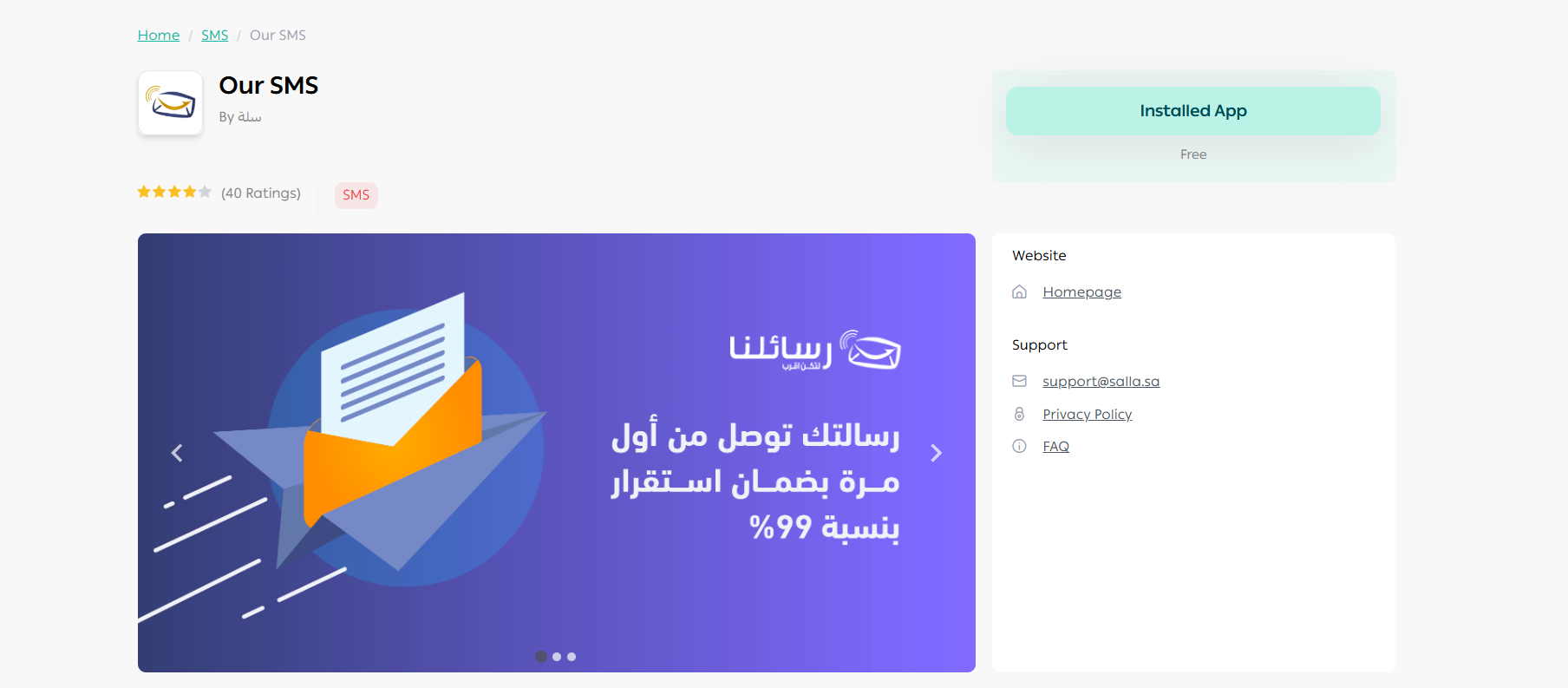
Step 2: Install the OurSMS App in Salla
- Log in to your Salla account.
- Open the Salla App Store.
- Search for OurSMS.
- Click Install App.
Step 3: Configure the Application
After installing the app, enter the following information:
Username
Your OurSMS account username.
Password
Your OurSMS account password.
Sender ID
The approved Sender ID that has already been activated.
API Token
Your OurSMS API Token.
To learn how to generate an API Token:
Don’t Have an OurSMS Account?
If you do not already have an OurSMS account, follow these steps:
Create a New Account
Register for a new account:
Activate a Sender ID
After creating your account, submit a Sender ID activation request:
Benefits of Integrating Salla with OurSMS
- Automatic order notifications.
- Purchase confirmation messages.
- Shipping and delivery updates.
- Customer alerts and notifications.
- Arabic and English SMS support.
- Fast and reliable message delivery.
Technical Support
If you need assistance with setup or integration, please contact our support team:
🌐 oursms.com